
Benefits Resource Hub
Benefits Presentation, Guides, Enrollment Instructions, and Videos
Quick Links: 2025-2026 Benefits Toolkit | Eligibility Information | 101 Benefit Videos
2026 Benefits Toolkit
-
Benefits Presentation (7/1/2025-6/30/2026)
On-demand benefits enrollment presentation
-
2026 Benefits Guide (7/1/2026-12/31/2026)
Explore plan details, coverage summaries, and rates for the new plan year, July 1 - December 31, 2026
-
Benefit Job AidsList Item 4
Benefit enrollment and benefit changes are completed through Workday.
For step-by-step instructions on enrolling in or changing benefits through Workday under Job Aids, National University employees can use the link below to access the Job Aids page directly (Workday login required), or follow the steps:
- Log into Workday (National University employees access Workday via SSO)
- Select Menu > MyHub > Job Aids.
- Benefit job aids are under the Benefits column.
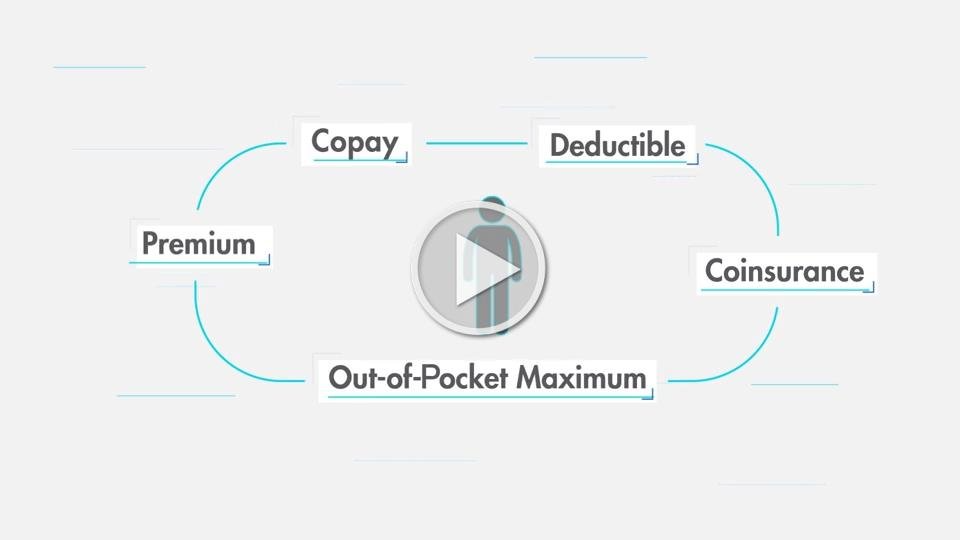
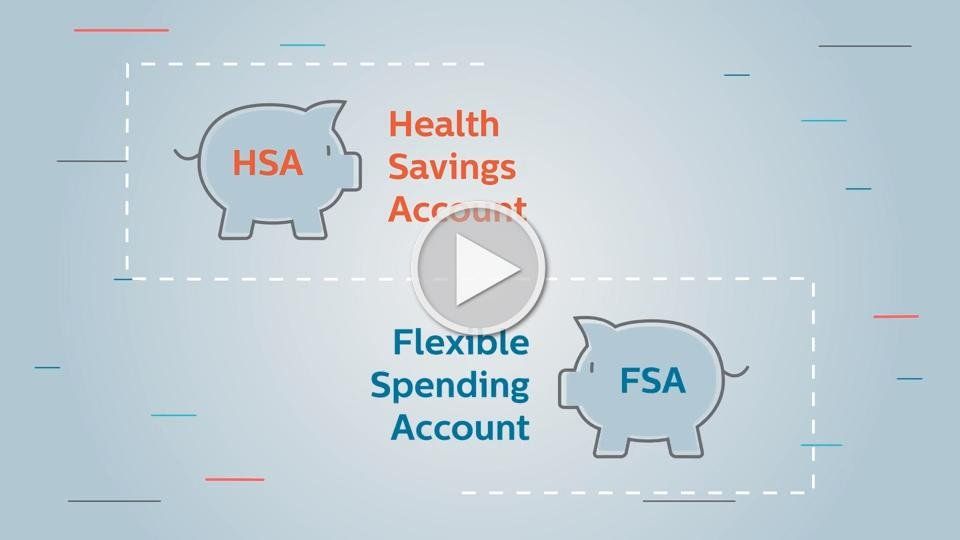
101 Benefit Videos
Learn about how health insurance works